Debug Inspector for Coveo
Quickly read a captured Coveo debug:true search response and work out why a document
ranked where it did — without replaying the query.
Why is this handy?
Earlier versions of CoveoUI ("Classic") had a hidden debug tool in the client, but they moved away from this when they moved to atomic in favour of the admin debug inspector tool.
The admin console one is fine, but has the following drawbacks:
- You need to have admin panel access in the Coveo dashboard.
- It requires you to find the original query and search id and paste it.
- Critically: it replays the query with the permissions of the admin user, not the original user. This invalidates the whole test at times.
A captured debug response already holds what actually happened under the original user's permissions. This tool reads that capture and explains it, and the results are immediate!
What it shows
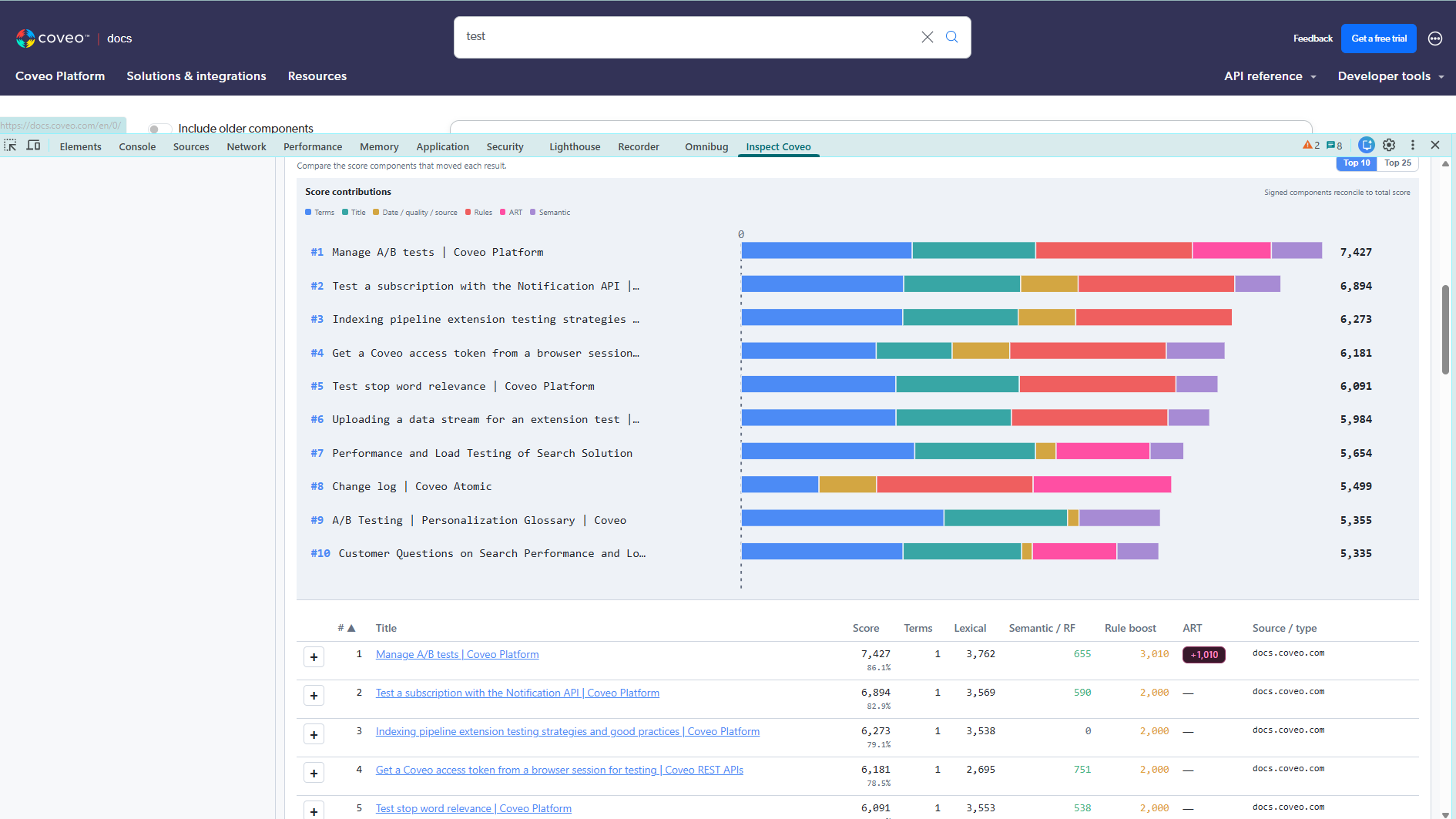
- Expanded query expressions, partial-match atoms and the filter trees that were applied.
- Per-result score composition, reconciled down to the residual.
- The decoded semantic ranking function, including its
min_cosinegate. - Generative answers: the reassembled text, its citations and the passages behind them.
- Agentic runs: each step, its duration, and the query the agent actually searched for.
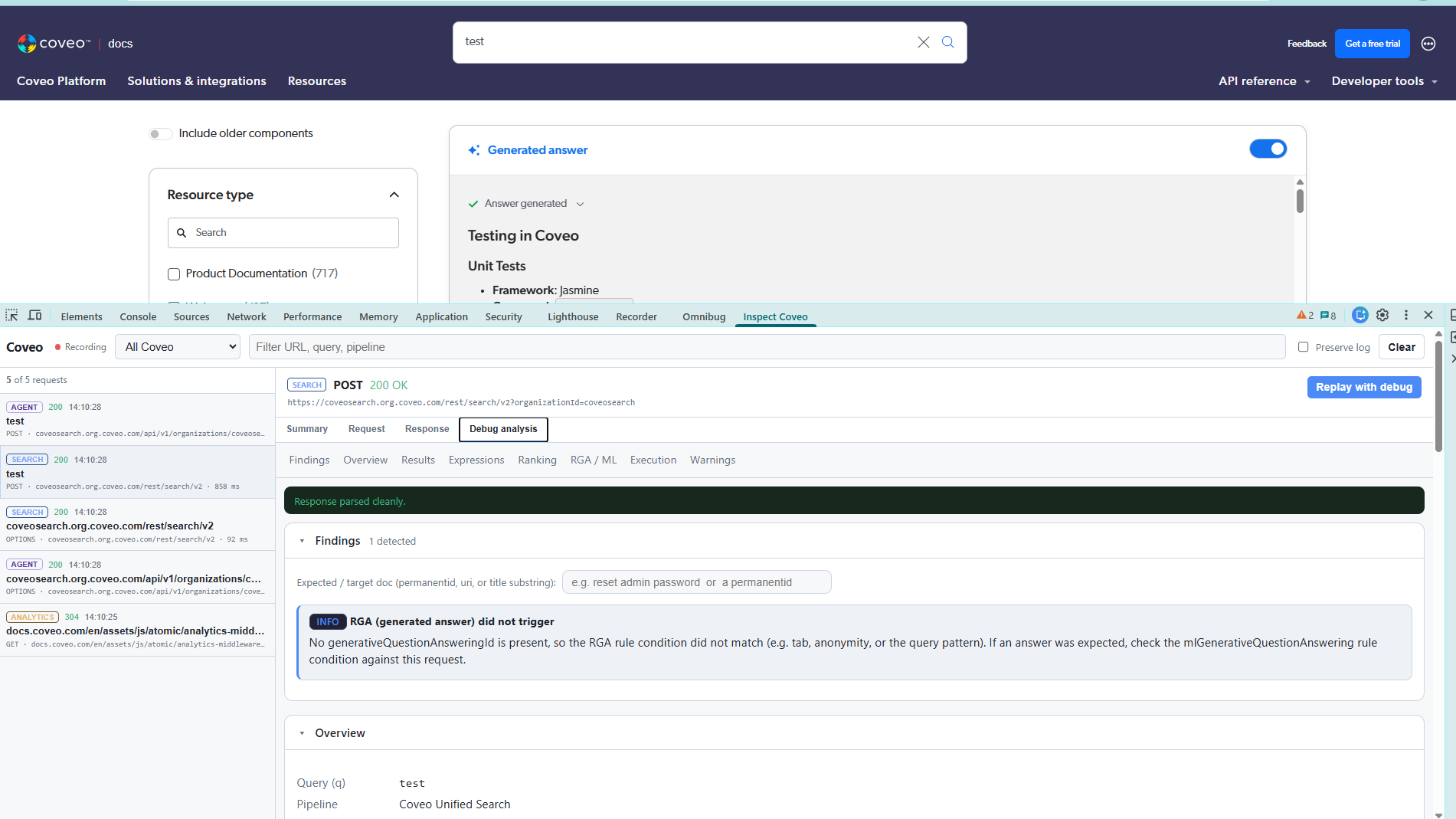
- Heuristics for common failure modes, such as an expected document sitting below the semantic gate.
Two ways to use it
The web app takes a pasted response plus an optional request. Use this approach if you don't want to be bothered installing a browser extension.
The browser DevTools extension (currently only Chrome) adds a Inspect Coveo panel that lists Coveo API traffic
live, and can re-issue a search request with debug: true when you need ranking
detail the page never asked for. This is quicker and more powerful since you can replay queries there and then and also trace analytics and generative traffic.
See it working
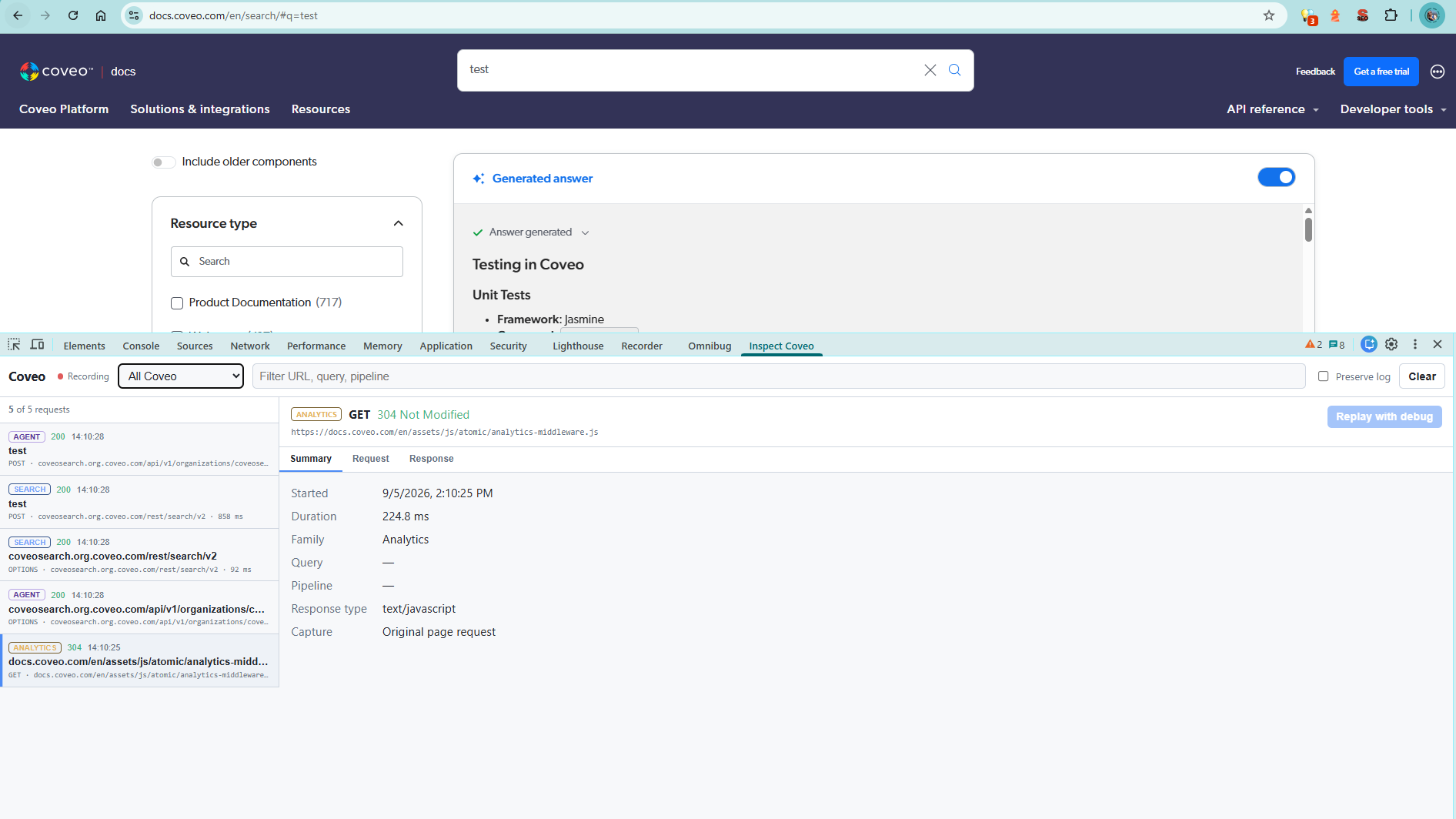
About
My name is Mark Davis. I work on search and AI at HPE and built this tool in my spare time. It is open source, and you can find the code on GitHub. Coveo is a fantastic product and team and a market leader in enterprise search. For more information on Coveo, see coveo.com.
Remembering Ed
Ed Quinn was a brilliant engineer and a good friend. He was a Coveo architect who sadly passed away a few years ago while we were working on the same project - me as a customer/architect on the HPE side and he as a solution Architect from the Coveo side. I learned a lot working with Ed and dedicate this tool to his memory.
Privacy
Everything runs in your browser. The web app makes no network calls at all. Nothing is stored, nothing is transmitted, and credentials in headers or URLs are redacted on ingest. See the privacy policy for the details.